Getting Started
How CVD Portal Works
Setting up your CVD portal is the first step toward CRA compliance. Here is how our platform simplifies the entire workflow from registration to authority notification.
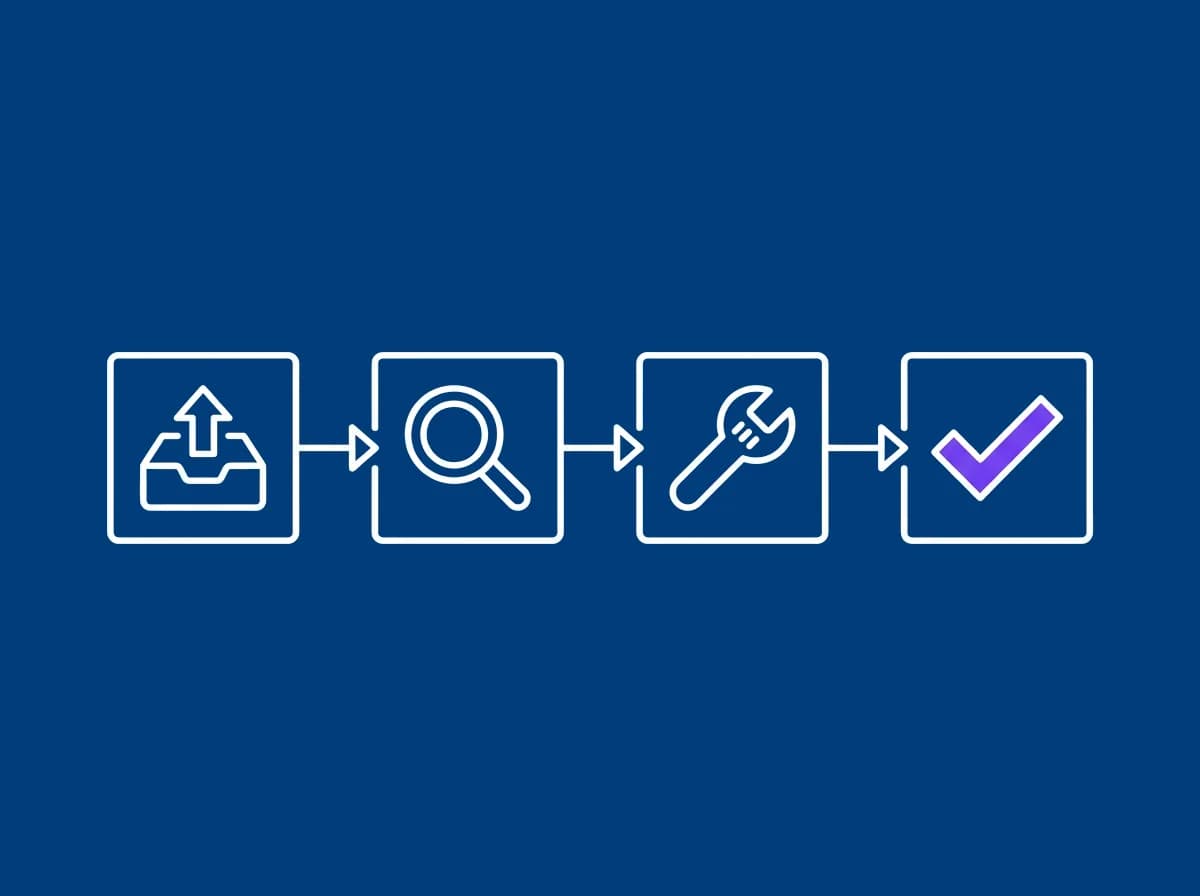
Five-Step Setup Process
Launch your coordinated vulnerability disclosure portal in minutes and manage compliance with no operational overhead.
Create your account
Sign up with your work email. Your branded portal will be instantly created.
- ✓Derived from your email domain (e.g., yourcompany.cvdportal.com)
- ✓Verify your email address
Customize your portal
Add your branding and CVD policy. Customize the submission form fields.
- ✓Upload your logo and set brand colors
- ✓Edit your CVD policy from our template
- ✓Add your PGP key for encrypted submissions
- ✓Configure email notifications
Share your portal
Publish your security contact page link for researchers to submit disclosures.
- ✓Add link to your website footer
- ✓Include in security.txt file
- ✓Share with security researchers
Manage submissions
Review and respond to vulnerability disclosures through your dashboard.
- ✓Receive instant email notifications
- ✓Acknowledge within 48 hours, a configurable portal default, then reply in person within five working days (BSI TR-03183-3)
- ✓Track status and communicate
- ✓Generate compliance reports
Meet Article 14 filing obligations
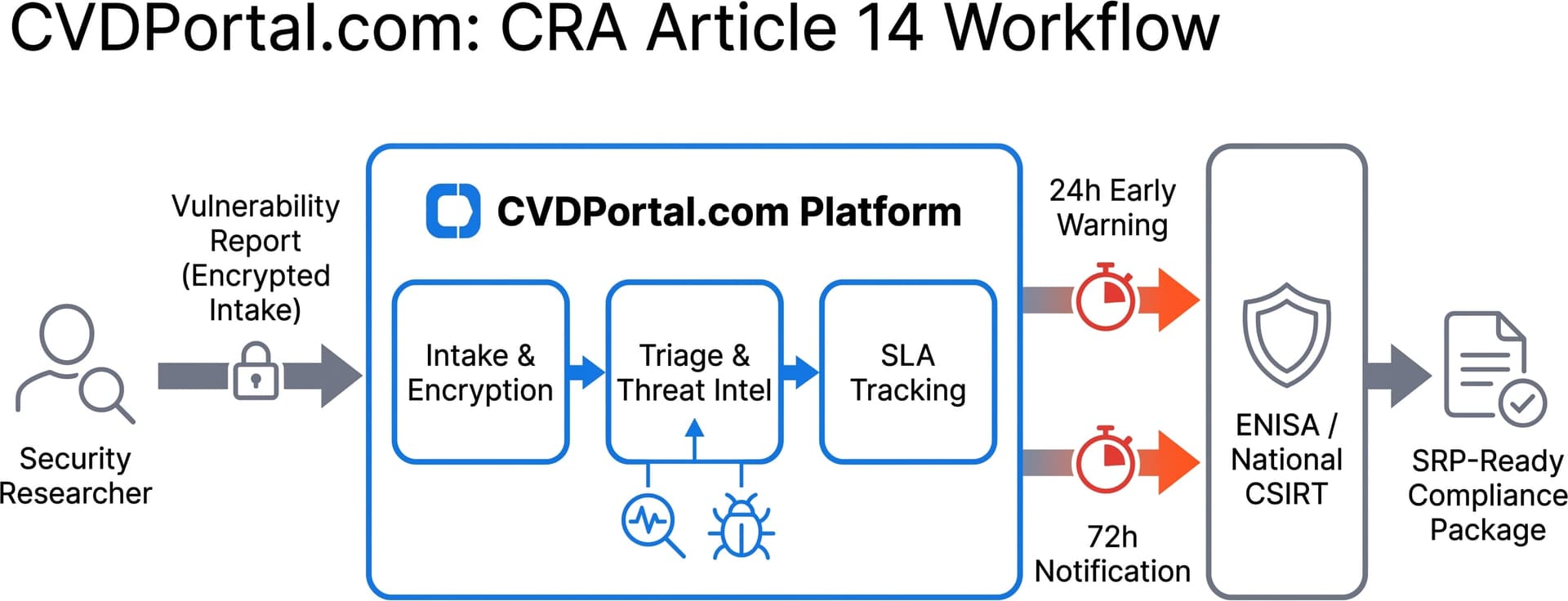
For actively exploited vulnerabilities and severe incidents, the CRA mandates three filing milestones to ENISA and your national CSIRT via the Single Reporting Platform (SRP).
- ✓24h early warning, notify ENISA/CSIRT upon becoming aware
- ✓72h detailed notification, full technical filing
- ✓Final report 14 days after a fix (exploited) or 1 month after the 72h notification (incidents), with remediation details
- ✓Enterprise gets automated pre-filled ENISA reports. Free and Reporting use the guided manual workflow.
Why CVD Portal?
The EU Cyber Resilience Act requires all manufacturers of products with digital elements to maintain a vulnerability disclosure process. We make it simple for SMEs to comply without building custom infrastructure.