Quick Start Guide
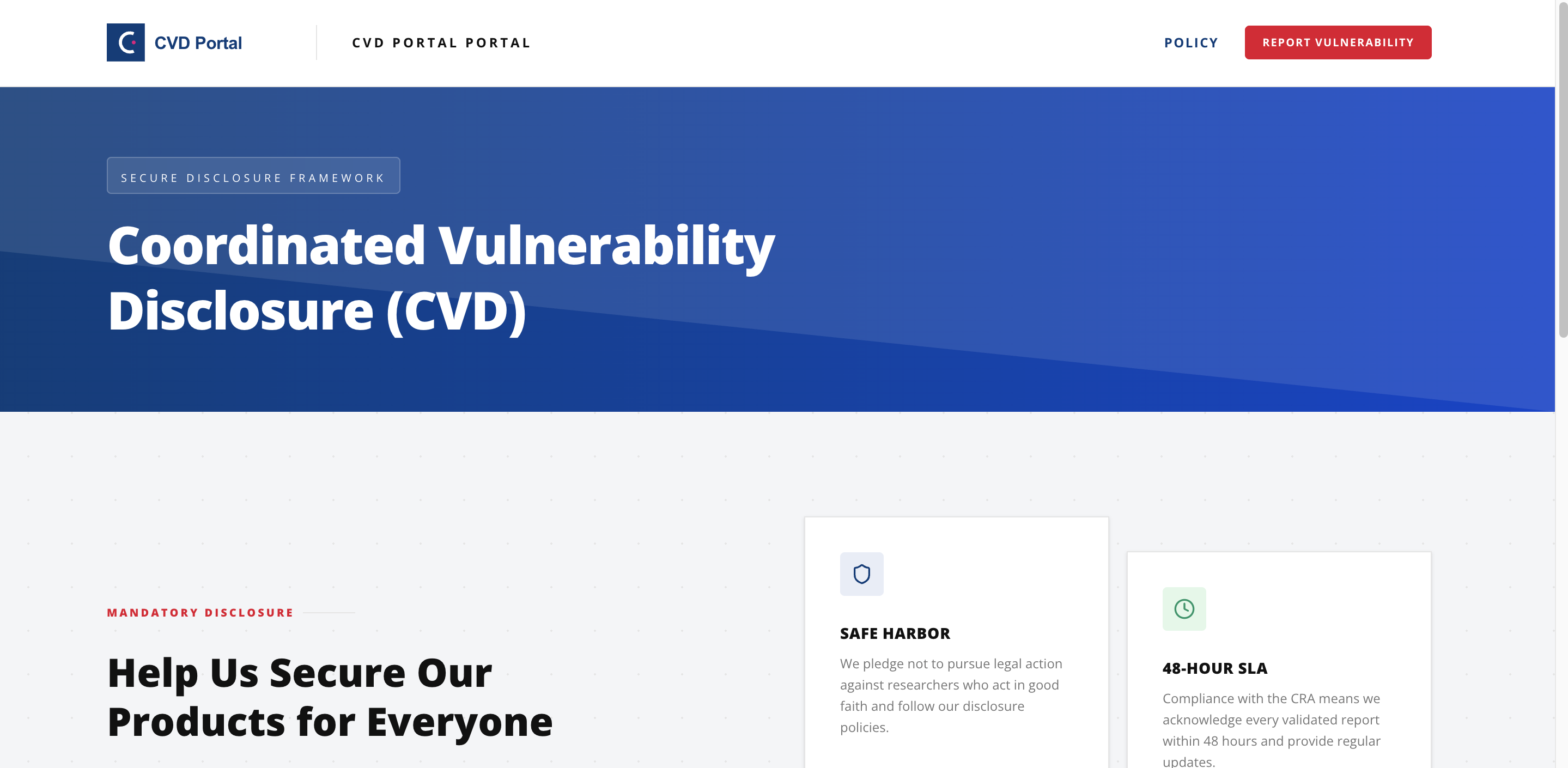
Stand up your organization's Coordinated Vulnerability Disclosure program and comply with the EU Cyber Resilience Act. Four steps, roughly five minutes.
Create your account
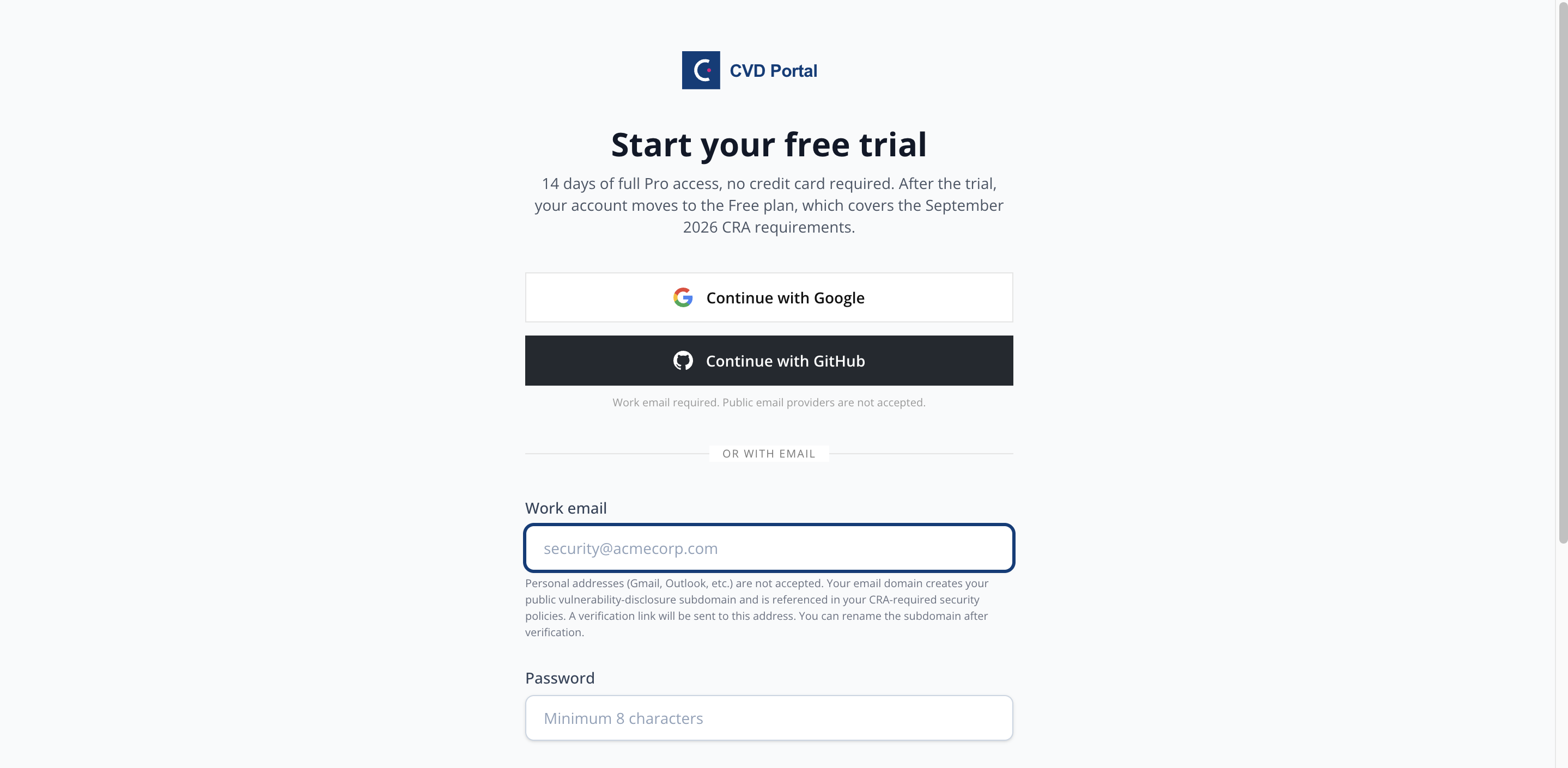
Sign up with email or a Google or GitHub account. We send a verification link to confirm your address before you build your company workspace.
- Email, Google, or GitHub sign-in
- Email verification keeps your portal trusted
- No credit card required to start
Set up your workspace
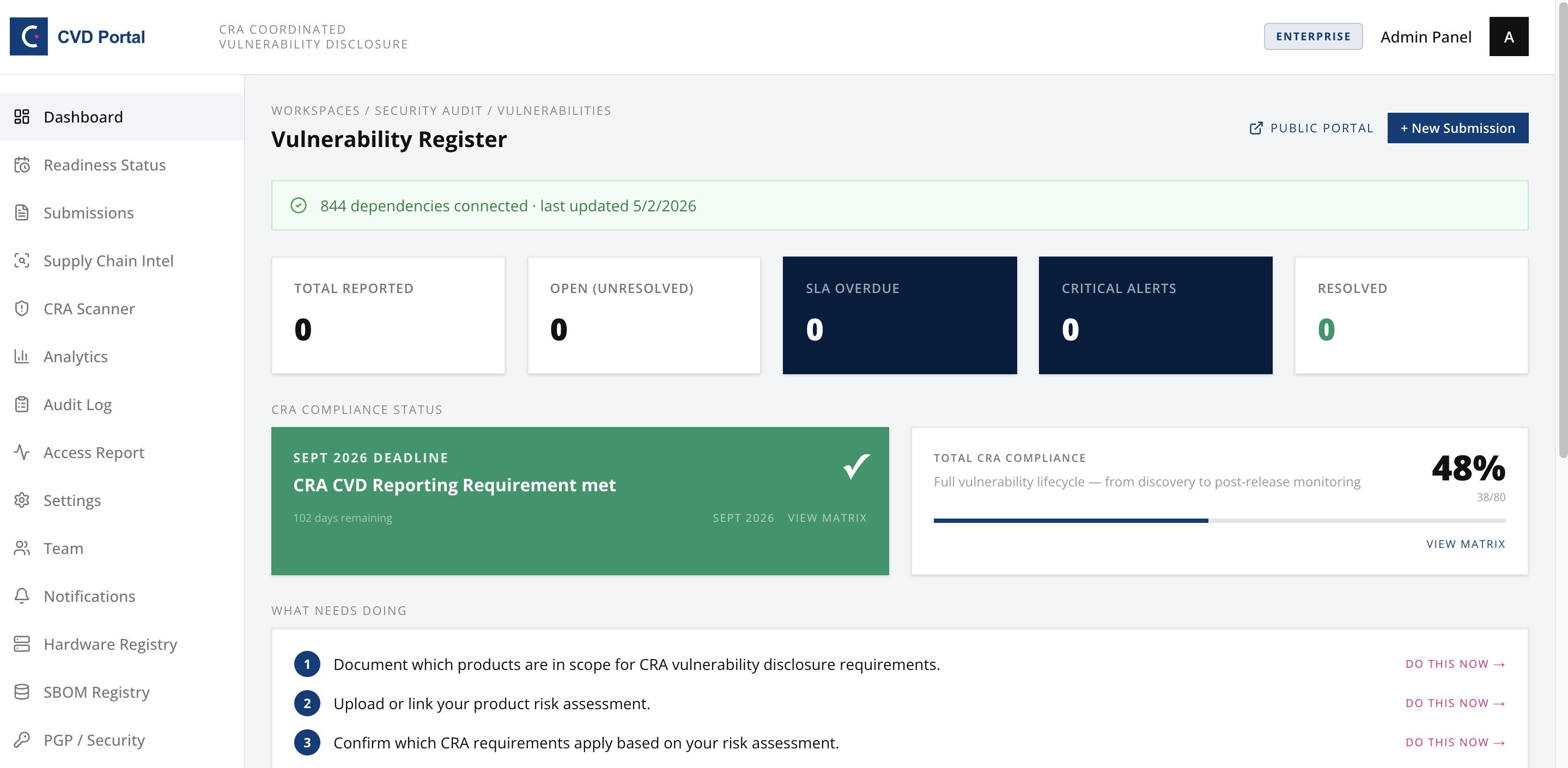
From the dashboard, name your company and choose a unique portal slug such as acme-corp. The slug becomes your public reporting address at acme-corp.cvdportal.com.
- Pick the slug that becomes your subdomain
- Invite teammates as ADMIN or MEMBER
- Add your logo for a whitelabel portal
Publish your CVD policy
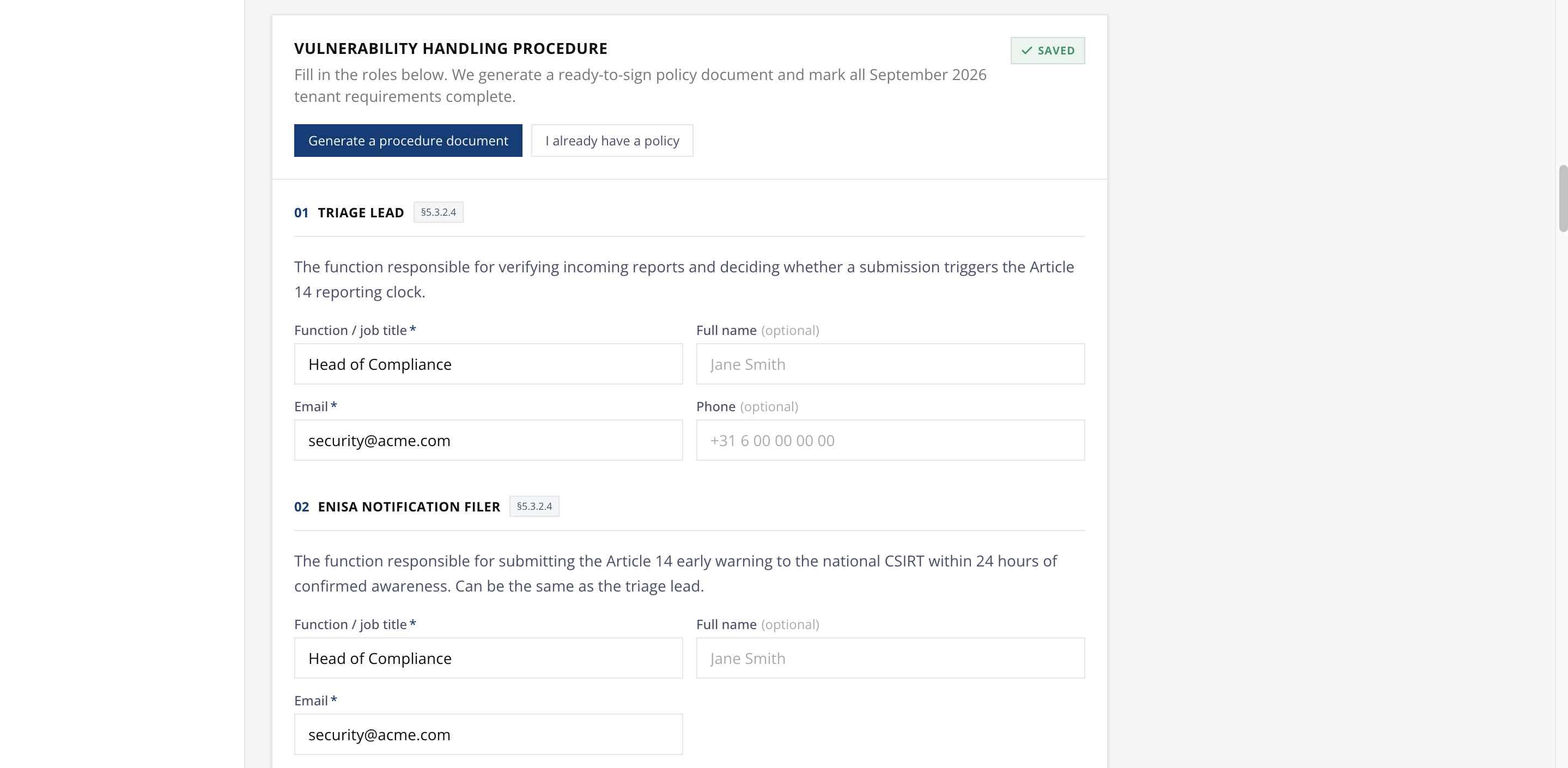
Define what is in scope, how researchers should report, and your expected response times. The portal generates a matching security.txt so your disclosure contact is discoverable per RFC 9116.
- State scope and safe-harbour terms
- Set your acknowledgment SLA
- Auto-generated security.txt included
Share your portal
Link to your public portal from your corporate website and your security.txt file. Researchers submit reports there, and your team triages them from the dashboard with a full CRA audit trail.
- Public submission form, ready to share
- Reports land in your triage queue
- Every action recorded for CRA evidence